
How to Trade on PancakeSwap with Binance Smart Chain: A Step-by-Step Guide for Beginners

If you are new to decentralized finance (DeFi), learning how to operate on PancakeSwap via the Binance Smart Chain can seem complex at first. However, the process is straightforward once you understand the basic steps. This guide will walk you through everything from setting up your wallet to executing your first trade.
First, you need a compatible cryptocurrency wallet. The most popular choice for Binance Smart Chain is MetaMask. After installing the MetaMask browser extension or mobile app, you must add the Binance Smart Chain network manually. To do this, open MetaMask, click the network dropdown menu, and select "Add Network." Enter the following details: Network Name: Smart Chain, New RPC URL: https://bsc-dataseed.binance.org/, Chain ID: 56, Symbol: BNB, and Block Explorer URL: https://bscscan.com. Save these settings, and your wallet will now be connected to the Binance Smart Chain.
Next, you need BNB (Binance Coin) to pay for gas fees on the network. You can purchase BNB from a centralized exchange like Binance.com and then withdraw it to your MetaMask wallet address. Ensure you are sending the funds over the Binance Smart Chain (BEP-20) network, not the older BEP-2 network. Without BNB in your wallet, you will not be able to complete any transactions on PancakeSwap.
Now, navigate to the official PancakeSwap website. Always double-check the URL to avoid phishing sites. Once on the site, click "Connect Wallet" in the top right corner and select MetaMask. A pop-up will appear asking you to confirm the connection. After connecting, you will see your wallet address and balance displayed on the interface.
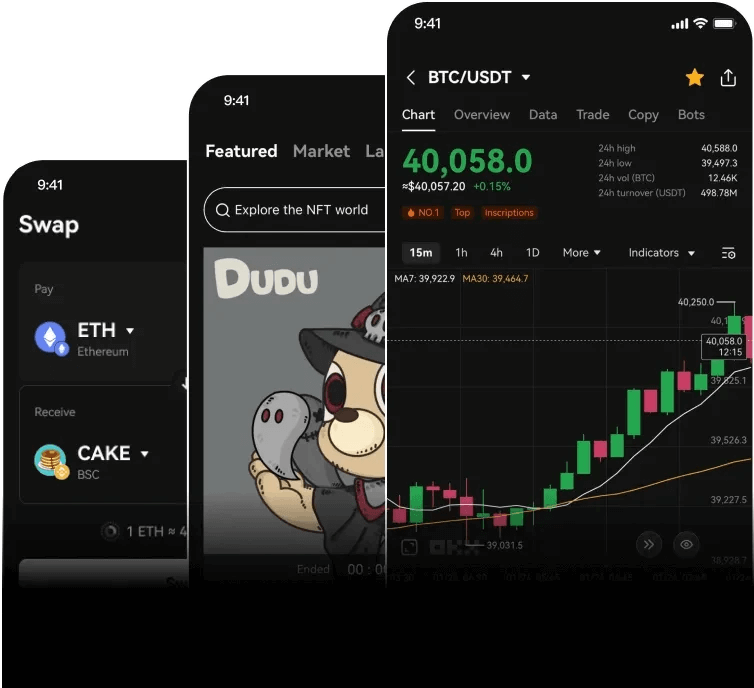
To trade, go to the "Swap" page. You will see two token fields: "From" and "To." In the "From" field, select the token you want to sell (for example, BNB). In the "To" field, select the token you want to buy (such as CAKE, PancakeSwap's native token). Enter the amount you wish to swap. The platform will automatically calculate the estimated output based on the current liquidity pool rate and slippage tolerance.
Before confirming, check the slippage tolerance. For volatile tokens, you may need to increase the slippage to 1% or 2% to ensure the transaction succeeds. Click the "Swap" button, review the details in the pop-up window, and then confirm the transaction in your MetaMask wallet. A small gas fee in BNB will be charged. Wait for the transaction to be processed on the blockchain, which usually takes a few seconds to a minute.
After the transaction is confirmed, the new tokens will appear in your wallet. If you cannot see them, you may need to manually add the token contract address to MetaMask. You can find the official contract address on the PancakeSwap token list or BscScan.
It is also important to understand the risks. PancakeSwap is a decentralized exchange, meaning you are responsible for your own funds. Always double-check token addresses, be cautious of new or unknown tokens, and never share your private keys. Start with a small amount to test the process before trading larger sums.
By following these steps, you can confidently use PancakeSwap on the Binance Smart Chain to swap tokens, provide liquidity, or participate in farming. The key is to stay patient and verify every detail before clicking confirm.

发表评论