
Binance One-Click Exchange: How to Use the Quick Trade Feature Like a Pro

Binance, the world’s leading cryptocurrency exchange, offers a powerful feature known as the "One-Click Exchange" (or "Quick Trade") that allows users to instantly swap one cryptocurrency for another without navigating through complex order books or limit orders. This tool is designed for speed, simplicity, and convenience, making it ideal for beginners and experienced traders who want to execute trades rapidly.
To access the Binance One-Click Exchange, follow these straightforward steps. First, log into your Binance account via the official website or the mobile app. On the homepage, locate the "Trade" menu and select "Convert" (for the mobile app, it is often labeled as "Convert" or "Quick Trade"). This interface is distinct from the standard "Classic" or "Advanced" trading views, as it focuses solely on instant conversions at the current market price.
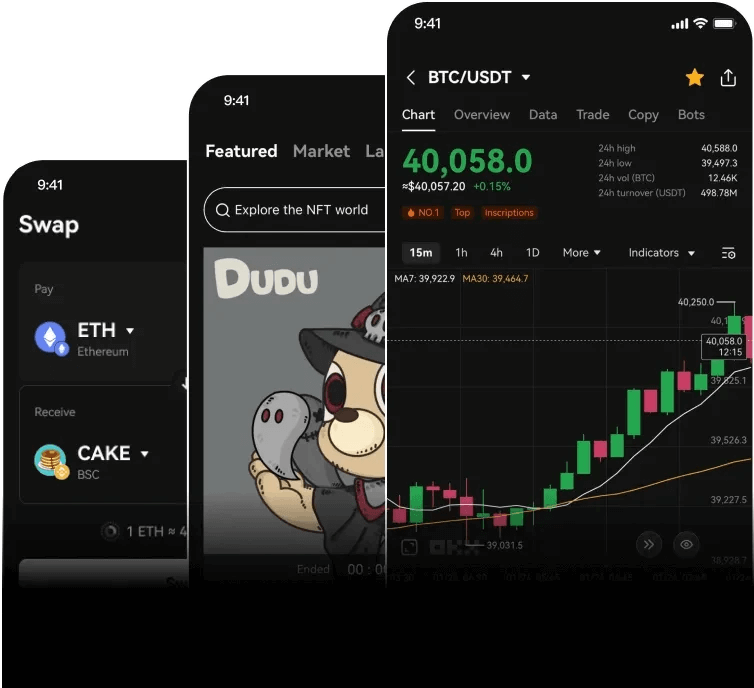
Once you are on the Convert page, you will see two drop-down menus: one for the asset you want to sell (e.g., BTC) and one for the asset you want to buy (e.g., USDT). Simply select your desired trading pair. For example, if you want to convert 0.1 Bitcoin into Tether, you would choose "BTC" in the first field and "USDT" in the second.
Next, enter the amount you wish to exchange. The system will automatically calculate the estimated amount you will receive based on the real-time market rate. A key feature of the One-Click Exchange is the transparent fee display: you will see the exact exchange rate, the network fee (if applicable), and the final output amount before you confirm. This eliminates surprises and ensures you know exactly what you are getting.
After reviewing the details, simply click the "Preview Conversion" button. A confirmation window will appear, showing the final rate and the amount you will receive. If you agree, click "Confirm Conversion." The transaction is processed in seconds, and the converted asset will appear in your spot wallet immediately. This speed is one of the biggest advantages of the One-Click Exchange, as it avoids the waiting time associated with limit orders or complex swaps.
It is important to note that the One-Click Exchange is not a limit order tool; it executes at the prevailing market price. This means you should be aware of the slippage during periods of high volatility. However, Binance uses a pricing engine that pulls liquidity from multiple sources to offer competitive rates. For users who need to enter or exit a position instantly without worrying about order book depth, this feature is invaluable.
Another useful tip is to check the "Available Balance" displayed at the top of the Convert window before placing your order. If you need to convert a different amount, you can also use the "Max" button to automatically fill in your entire balance of the selected asset. Additionally, the conversion history can be viewed under the "Orders" section to track all your quick trades.
For mobile users, the process is even more streamlined. Open the Binance App, tap on "Convert" (usually located on the main screen or under the "Trade" tab), and repeat the same steps. The mobile interface is optimized for one-handed use, allowing you to swap tokens in under 30 seconds. This is particularly useful for taking advantage of time-sensitive trading opportunities, such as market news events or sudden price movements.
In summary, the Binance One-Click Exchange is a robust and user-friendly tool for instant cryptocurrency swaps. By understanding how to access it, select pairs, and review the conversion rate, you can efficiently manage your portfolio without the complexity of traditional trading interfaces. Whether you are a beginner looking for a simple swap or a trader needing fast execution, this feature is an essential part of the Binance ecosystem.

发表评论