
How to Use Binance DEX: A Step-by-Step Guide to Decentralized Trading on Binance Chain

Binance, one of the world’s largest cryptocurrency exchanges, also offers a decentralized exchange known as Binance DEX (Decentralized Exchange). Unlike the main Binance platform, which is centralized and holds your funds, Binance DEX allows you to trade directly from your wallet without giving up control of your private keys. If you are searching for how to use the Binance decentralized exchange, this guide will walk you through the essential steps.
First, you need to understand that Binance DEX runs on its own blockchain called Binance Chain (not the same as Binance Smart Chain). To interact with it, you cannot use your standard Binance.com login. Instead, you must use a compatible wallet. The most common option is the Trust Wallet app, which is also owned by Binance. Alternatively, you can use the Binance Chain extension wallet for your browser.
Once you have a wallet set up, you need to transfer funds. Since Binance DEX only supports tokens based on the BEP-2 standard (for Binance Chain), you cannot directly send Ethereum or Bitcoin. If you already have assets on Binance.com, you can withdraw them to your wallet address. Make sure to select “BEP-2” as the network when withdrawing to avoid losing funds. If you are starting from scratch, you will need to purchase BNB first, as it is used for trading fees on the DEX.
After funding your wallet, visit the official Binance DEX website. Do a careful check of the URL to avoid phishing sites. Once there, you will see an option to “Connect Wallet.” Choose Trust Wallet or the Binance Chain wallet, and scan the QR code or approve the connection through your browser extension. Your wallet balance will appear on the screen.
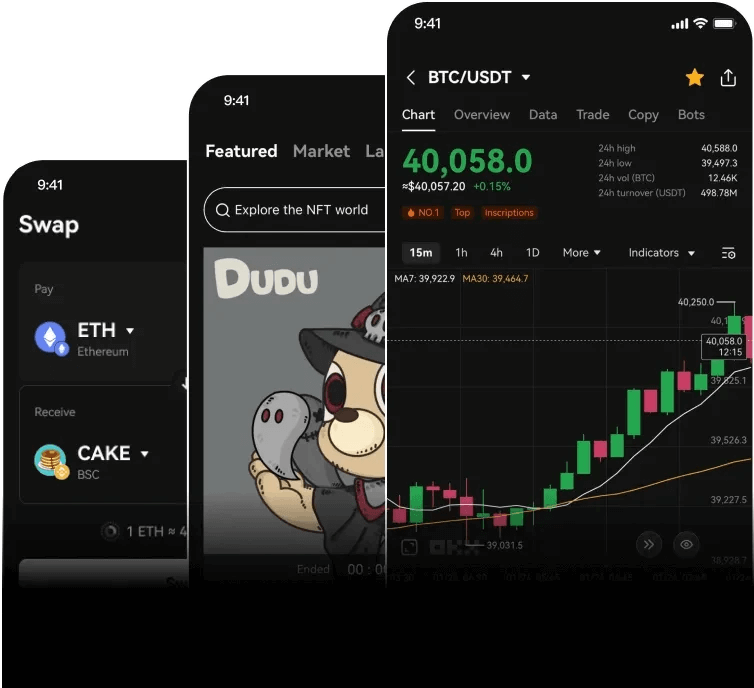
Now, you can start trading. The interface is similar to centralized exchanges: you will see a list of trading pairs (e.g., BNB/USDT). Select the pair you want. On the left side, you can place a “Limit” order (buy at a specific price) or a “Market” order (buy at the current price). Enter the amount and confirm the transaction. Remember, on a decentralized exchange, every action requires a small transaction fee in BNB, and you must manually sign the transaction in your wallet.
One key difference between Binance DEX and centralized exchanges is order matching. All orders are recorded on the Binance Chain, making the process transparent and trustless. You remain in full control of your funds until the trade is executed. However, speed may be slower than on the centralized platform, and the liquidity for some tokens might be lower.
To wrap up, using Binance decentralized exchange is a straightforward process once you understand the wallet setup and token standards. It offers greater security and privacy for users who prefer not to rely on a third party. Always double-check the network when transferring funds, and never share your private keys. With these steps, you can confidently explore decentralized trading on the Binance ecosystem.

发表评论