
How to Trade Digital Currency on Binance: A Step-by-Step Guide for Beginners

Binance is one of the largest and most popular cryptocurrency exchanges in the world. If you are new to digital currency trading and want to know how to operate on Binance, this step-by-step guide will walk you through the entire process. From creating your account to executing your first trade, we cover the essential actions you need to take. Whether you are interested in Bitcoin, Ethereum, or other altcoins, Binance offers a secure and user-friendly platform for buying, selling, and managing your digital assets.
**Step 1: Create and Verify Your Account**
Before you can trade on Binance, you must register an account. Visit the official Binance website or download the mobile app. Click on the "Register" button and provide your email address or phone number. Set a strong password and agree to the terms of service. After registration, you will receive a verification email or SMS. Complete the verification to activate your account. To unlock higher withdrawal limits and access all features, complete the identity verification (KYC) process by submitting a photo of your government-issued ID and a selfie.
**Step 2: Secure Your Account with Two-Factor Authentication (2FA)**
Security is critical when dealing with digital currency. Once your account is active, enable Two-Factor Authentication (2FA) immediately. Binance supports Google Authenticator and SMS-based 2FA. Using an authenticator app is recommended for stronger security. This extra layer protects your funds and personal information from unauthorized access.
**Step 3: Deposit Funds into Your Binance Account**
To start trading, you need to deposit funds. Binance offers several ways to fund your account. You can deposit digital currency from an external wallet by clicking on "Wallet" and then "Deposit." Choose the cryptocurrency you wish to deposit (for example, Bitcoin or USDT) and copy the deposit address. Send your coins from your external wallet to this address. Alternatively, you can use the "Buy Crypto" option to purchase digital currency directly using a credit/debit card, bank transfer, or third-party payment provider. Be aware of any fees associated with these methods.
**Step 4: Navigate to the Binance Exchange Interface**
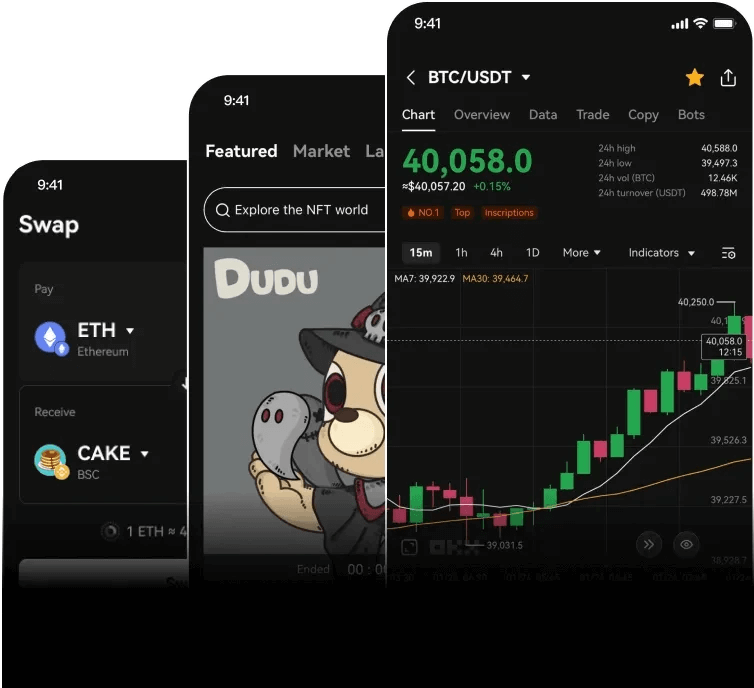
After your funds are available, go to the "Trade" section. Binance offers different trading interfaces: "Classic" and "Advanced." For beginners, the Classic interface is recommended. Here you will see the order book, price chart, and your account balance. You can switch between different trading pairs, such as BTC/USDT or ETH/BTC. The default pair is often BTC/USDT.
**Step 5: Place Your First Trade (Market Order)**
To execute a simple trade, use a Market Order. A market order buys or sells digital currency immediately at the current market price. In the "Buy" or "Sell" section, select "Market." Enter the amount of digital currency you want to purchase (or the amount of stablecoin you want to spend). Review the estimated cost and fees, then click "Buy [currency]." Your order will be filled instantly, and the purchased cryptocurrency will appear in your wallet.
**Step 6: Place a Limit Order (For Better Price Control)**
If you want more control over your trade price, use a Limit Order. Select "Limit" in the trading interface. Set the price you are willing to pay (for a buy order) or sell at (for a sell order). Enter the amount and submit the order. The trade will only execute if the market price reaches your specified level. You can view your open orders under "Open Orders" and cancel them if needed.
**Step 7: Monitor Your Portfolio and Withdraw Funds**
Once your trades are complete, you can monitor your digital currency holdings in the "Wallet" section. Check your "Spot Wallet" to see all your balances. When you want to move your digital currency off the exchange, click "Withdraw." Enter the withdrawal address (ensure it is correct to avoid loss), select the amount, and confirm the transaction via 2FA. Withdrawals may have network fees and minimum amounts.
**Additional Tips for Operating on Binance**
Always double-check addresses before sending funds, especially when using new wallets. Be aware of trading fees, which typically start at 0.1% per trade but can be reduced if you hold Binance Coin (BNB). Binance also provides advanced tools like stop-limit orders, futures trading, and staking, but these are more suitable after you have mastered basic operations. Keep your account credentials private and never share your passwords or 2FA codes. By following these steps, you can confidently trade digital currency on Binance.

发表评论